Short answer:
You can enable or disable email signatures for calendar meetings centrally in Xink or allow users to control the setting directly in the Outlook add-in.
Signatures for calendar meetings and appointments can be controlled either centrally by administrators or individually by users.
Admin control (central setting)
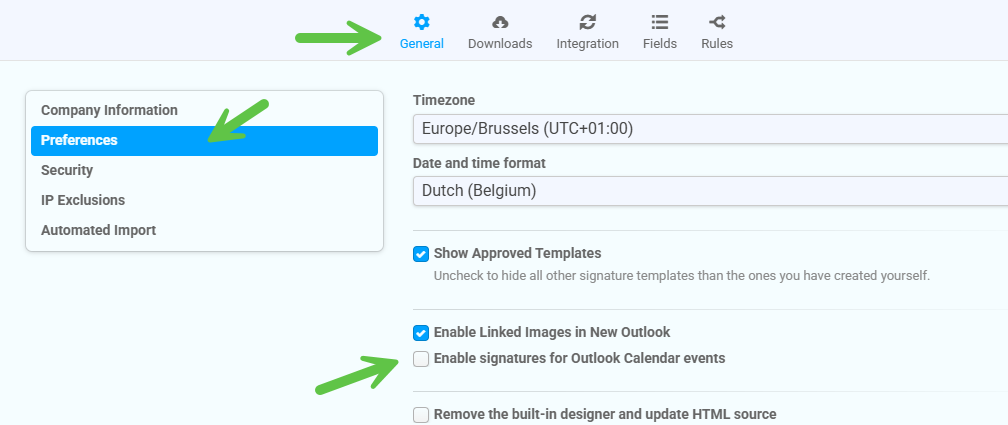
You can enable or disable signatures for calendar items in General > Preferences in the Xink admin portal.
User control (Outlook add-in)
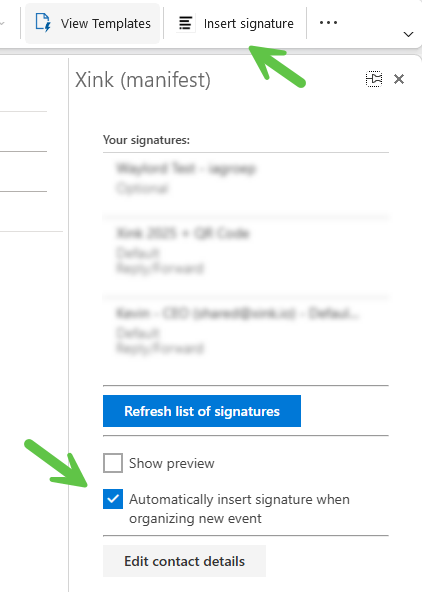
Users can also enable or disable signatures for calendar items directly from the Outlook add-in side panel.