Short answer:
You can add banners to the Brand version by adding the campaign to the signature design.
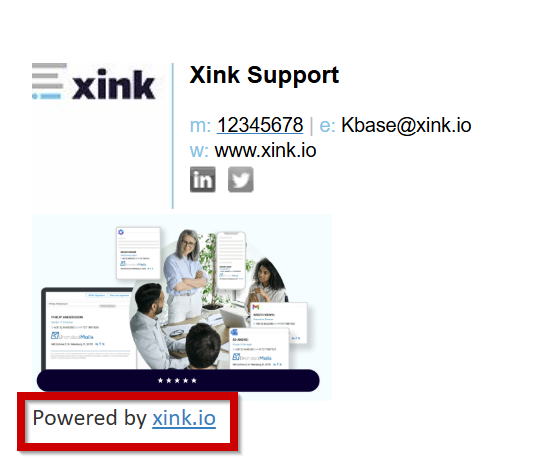
And use the campaign features with the ‘Powered by Xink’ footer; 1) Scheduling, 2) Segmentation and 3) Tracking email signature campaigns.
The Campaign version includes the Brand version and removes “Powered by Xink” when using the Campaign menu.
Brand vs Campaign version
- Brand version: Includes banners but adds a “Powered by Xink” promotional footer when the Campaign menu is used.
- Campaign version: Includes all campaign features and removes the “Powered by Xink” footer
The Campaign version builds on the Brand version and is recommended when running targeted or trackable campaigns without promotional branding.