Short answer:
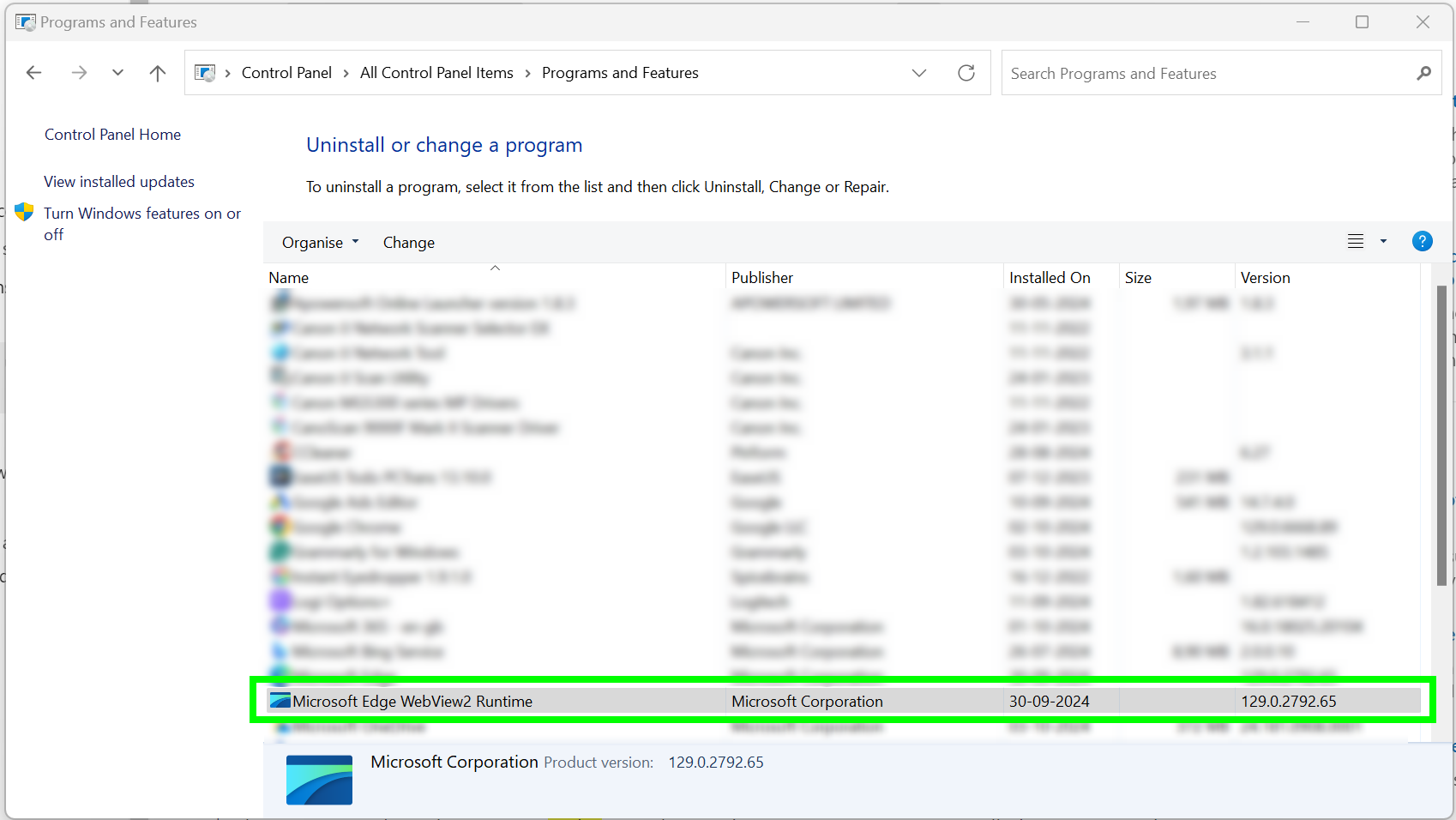
If the email signature only appears when clicking the Xink add-in, WebView2 is likely not installed. Install WebView2 to ensure signatures load automatically when composing a new email.
By default, the email signature is automatically inserted when you click New email in Outlook.
Issue: Signature only appears via the add-in
If the email signature only appears when you manually open the Xink add-in, it is typically because WebView2 is not installed on the device.
How to fix
Install WebView2, which is a Microsoft prerequisite for Outlook add-ins to run correctly.
Learn more from Microsoft:
https://learn.microsoft.com/en-us/office/dev/add-ins/concepts/browsers-used-by-office-web-add-ins