
Classic Outlook
Short answer:
Use text-transform: uppercase; in your HTML for Classic Outlook. For New Outlook, use a Liquid filter instead.
You can convert text to uppercase by adding text-transform: uppercase; in your HTML source:
<span style="text-transform: uppercase;">((DisplayName))</span>
Example: The name ‘John Doe’ is displayed as ‘JOHN DOE’ in the email signature.
New Outlook
ALLCAPS in New Outlook
If you are using New Outlook, you may notice that text-transform does not work as expected. This is because New Outlook ignores certain CSS properties, including text-transform.
As a result, uppercase or lowercase styling will not render correctly in HTML email signatures or templates.
Instead, use a Liquid filter to control text formatting.
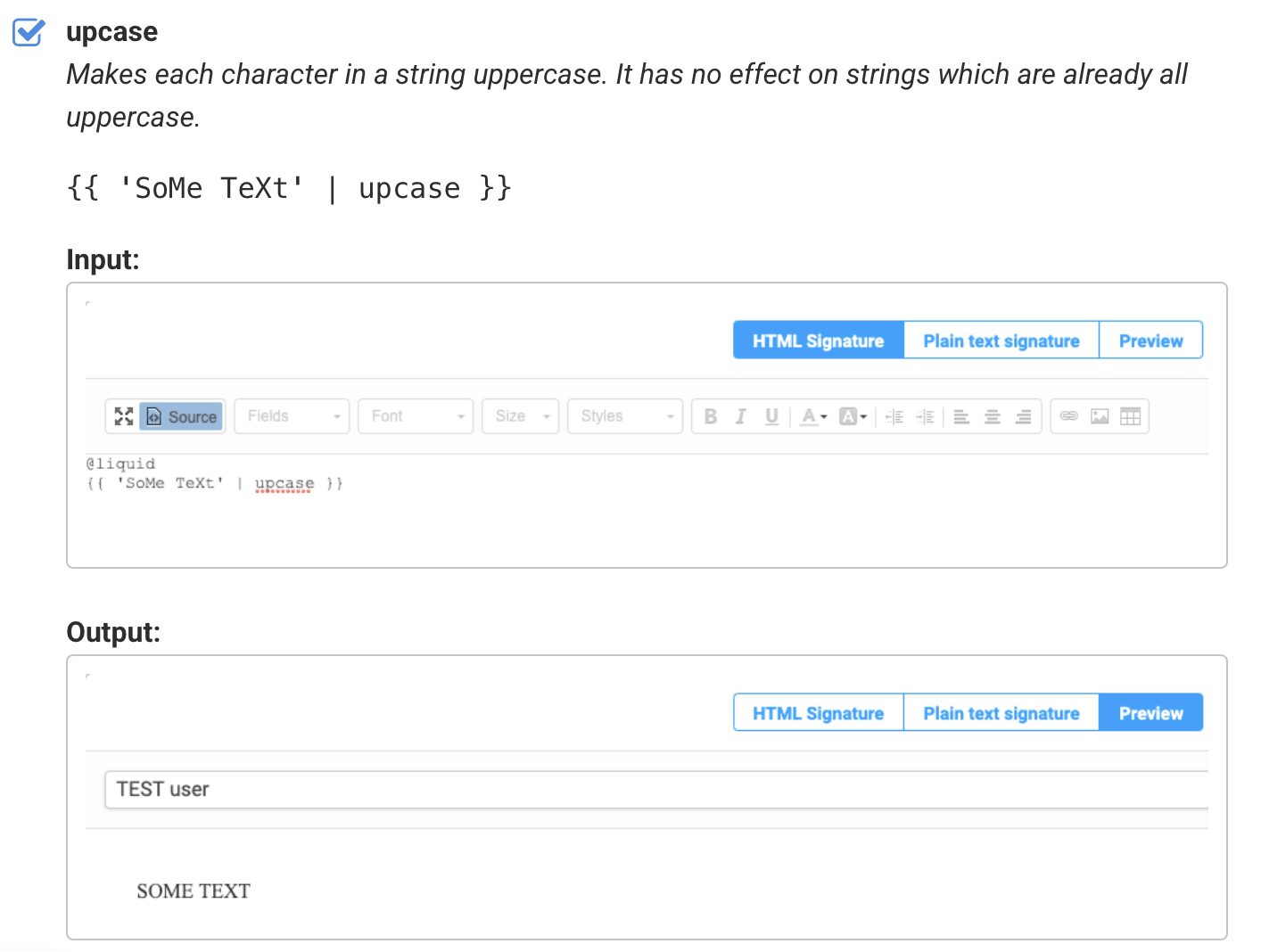
{{ 'SoMe TeXt' | upcase }}